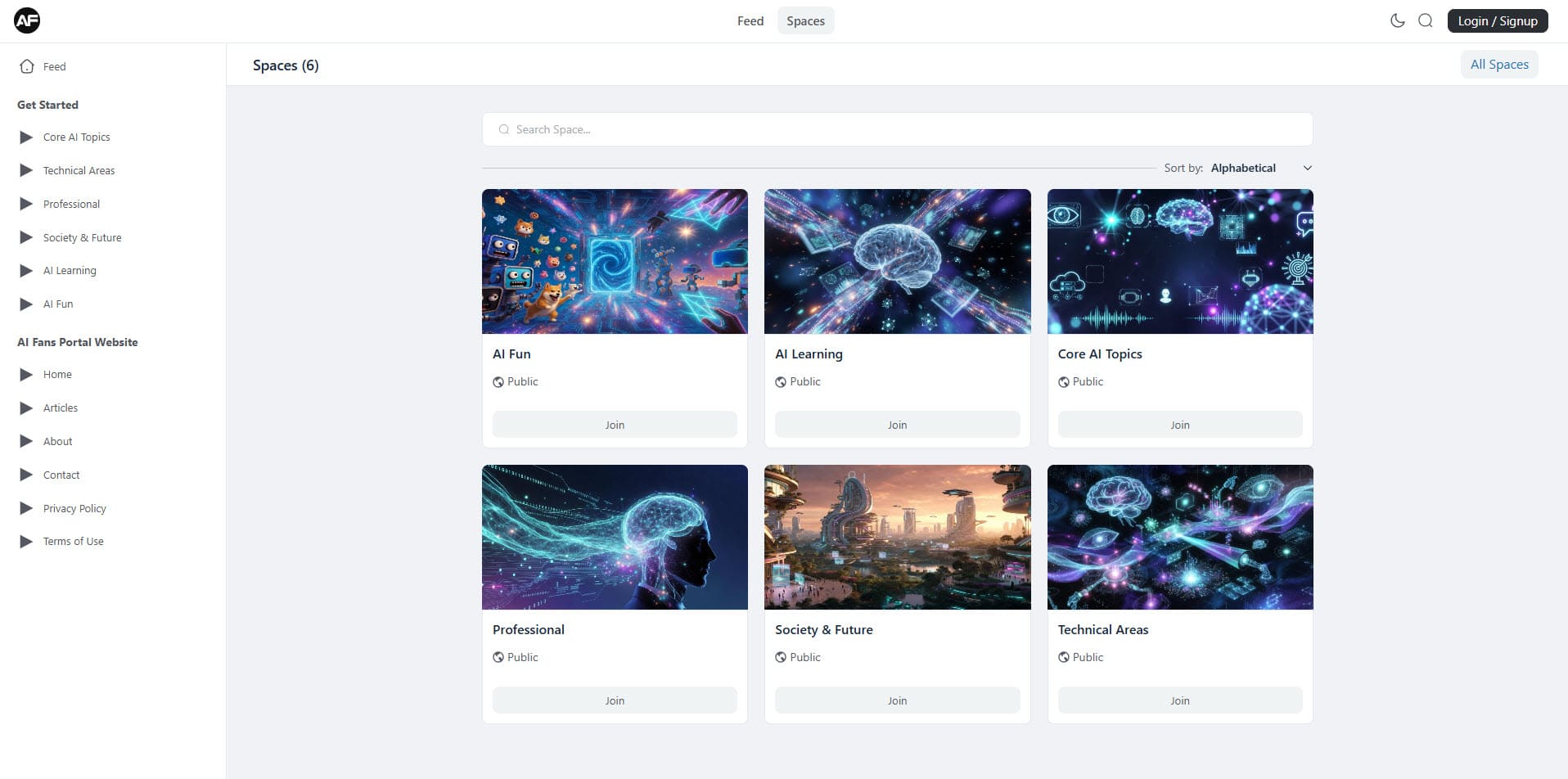
Many people wonder why AI tools seem to possess magical qualities while they prove challenging and not always simple to choose correctly for specific needs.
Why AI Tools Feel Like Magic (But Aren’t Always Easy to Pick)
If you’ve ever stared at a blank screen wondering how to finish a report, design a logo, or just brainstorm ideas faster, you’re not alone. AI tools have quietly slipped into our daily routines, turning what used to take hours into minutes. The tricky part? There are hundreds of them now, and most lists online feel like sales pitches. So here’s a no-fluff look at the ones that actually deliver, grouped by what they do best.
Writing and Brainstorming Helpers
ChatGPT and Claude remain the go-to for text work, but they shine in different ways. ChatGPT feels like the chatty friend who’s always on, great for quick drafts or casual emails. Claude, on the other hand, is more thoughtful—perfect when you need longer, nuanced pieces that don’t sound robotic. I’ve caught myself switching between them depending on the mood of the project. Newer players like Grok add a bit of wit that makes the process less stiff.
Visual Creators That Actually Impress
Need an image yesterday? Midjourney and DALL-E 3 are still the heavy hitters, especially if you love tweaking prompts until it’s just right. But Flux and Leonardo have been gaining ground for more realistic or artistic results without the usual “AI look.” The best part is how these tools let non-designers experiment. One afternoon I turned a rough sketch into a polished book cover in under ten minutes—something that would have cost real money at a studio.
Productivity Tools You Didn’t Know You Needed
Beyond the flashy stuff, quieter tools are changing workflows. Notion AI handles meeting notes and task lists without you lifting a finger. For coders, GitHub Copilot and Cursor feel like having a pair-programmer who never gets tired. And for data folks, tools like Julius or even the newer analytics dashboards in Google’s Gemini cut through spreadsheets faster than any Excel wizard I know.
The truth is, no single tool does everything perfectly. The fun—and sometimes frustrating—part is mixing and matching until you find your own stack. What started as a curiosity has become essential for many of us, and the list keeps growing. If you’re just starting out, pick one category, try two tools, and see what clicks. The rest tends to fall into place.